Practice accountGet familiar with the controls.
Learn more

Account sync
Studies and drawings carry across the terminal and Analysis Studio — practice and live kept apart.
“Consistency is a habit, not a mood.”
A WINDOW INTO YOUR TERMINAL
Connecting to marketsLoading current prices and candle history.
Keep your studies and drawings connected to your account.
KEEP EXPLORING
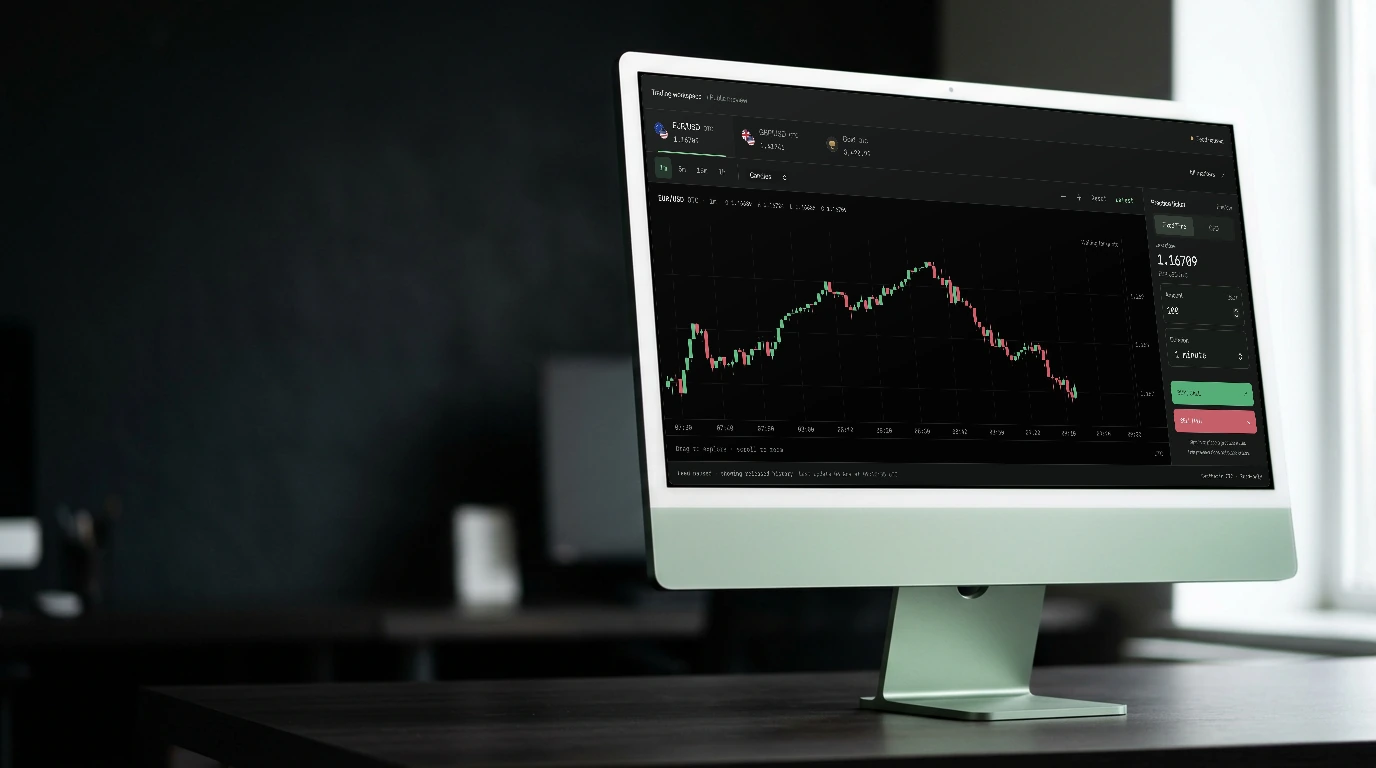
Workspace
Save a chart setup, adjust the panels, and come back to a familiar view.
Explore feature
The market doesn’t care how you feel.
NEXT CANDL

Account sync
Keep your studies and drawings connected to your account.
Open the workspaceYour analysis is stored against the selected market and account mode, so practice and other account views can retain their own context.
Studies and drawings are connected between the trading terminal and Analysis Studio. Continue working with the analysis saved to your account.
Sign in to return to your account’s saved analysis. Device-specific layout and viewport preferences remain local to the device.