
Practice accountGet familiar with the controls.
Learn more

CFD workspace
Direction, multiplier, open positions and supported stop-loss and take-profit levels in one view.
“Hope is not a stop-loss.”
A WINDOW INTO YOUR TERMINAL
Connecting to marketsLoading current prices and candle history.
Explore the CFD workspace with visible position and protection controls.
KEEP EXPLORING

Platform
Follow the released market feed with a chart you can actually explore.
Explore feature
Platform
Review the available terms before choosing BUY / CALL or SELL / PUT.
Explore feature
Hope is not a stop-loss.
NEXT CANDL
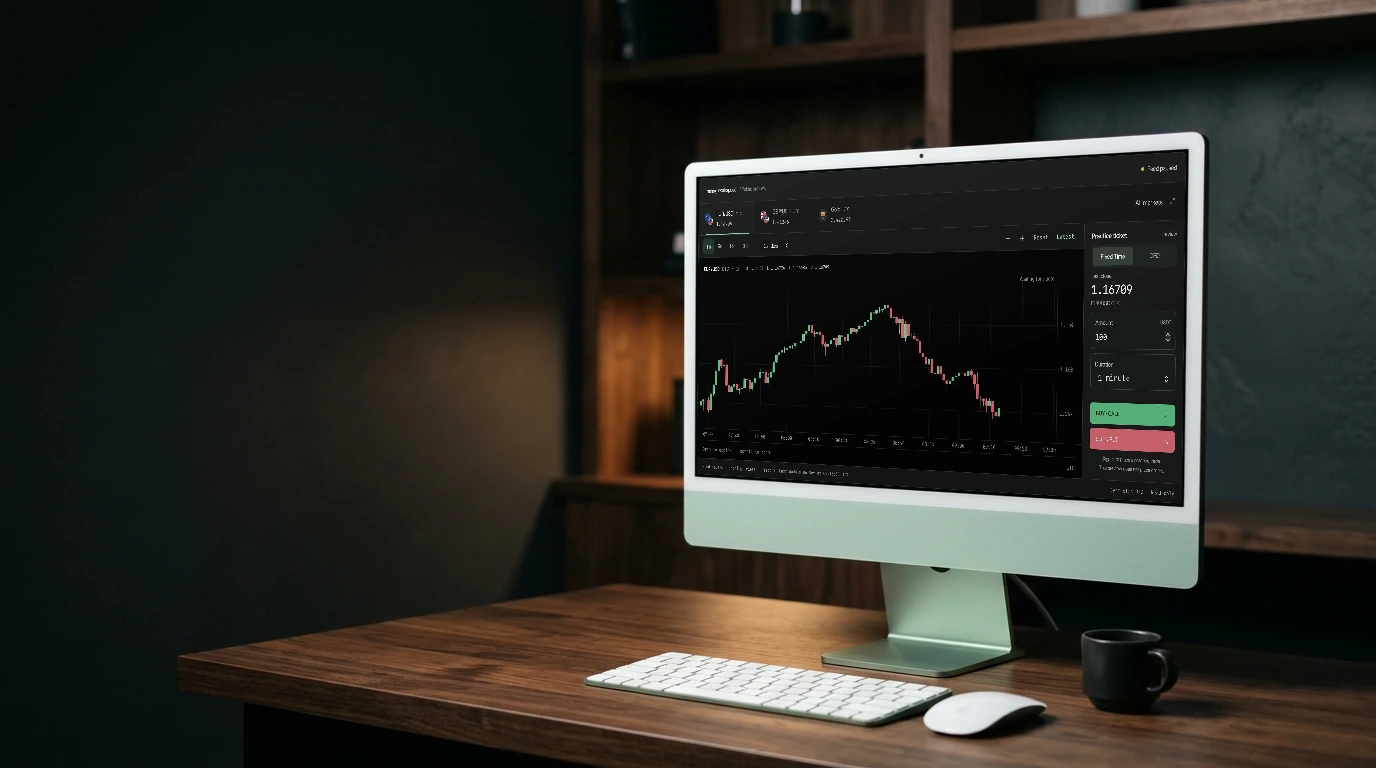
CFD workspace
Explore the CFD workspace with visible position and protection controls.
Open the workspaceThe CFD ticket shows the direction and available multiplier choices for the selected instrument. Review the displayed terms before opening a position.
Keep open positions and their current results in view. The position workspace includes controls for reviewing and closing supported positions.
Where available, set or update stop-loss and take-profit levels through the position controls. Protection settings follow the displayed product rules.