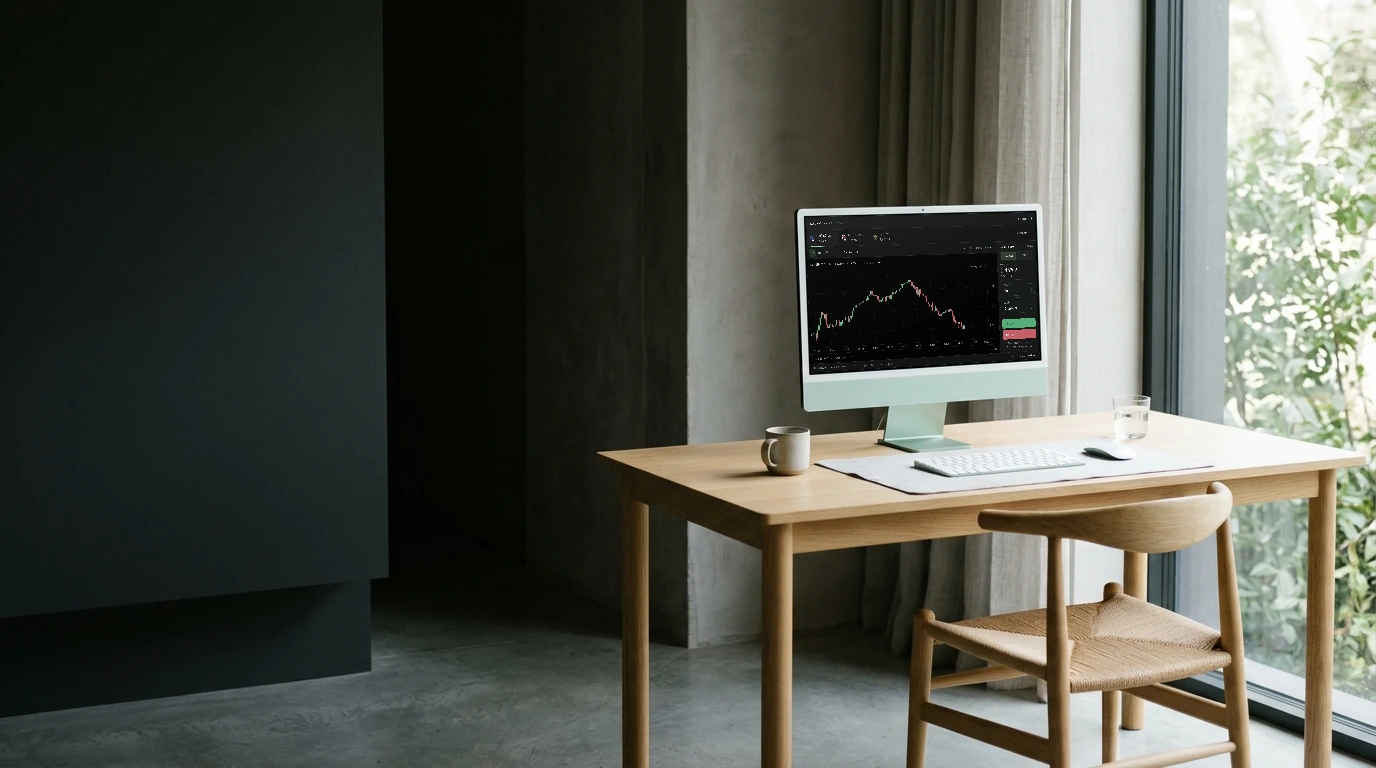
Practice accountGet familiar with the controls.
Learn more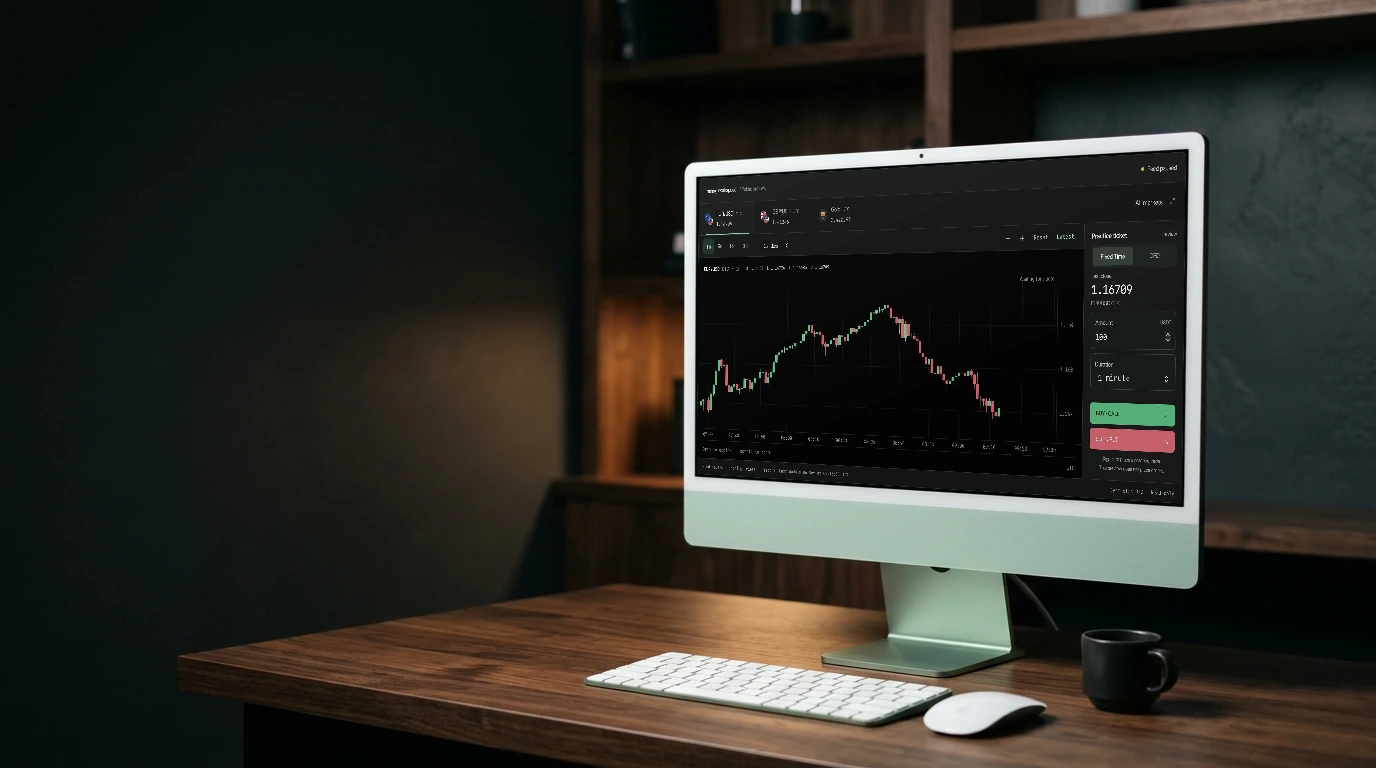

Saved workspace
Named layouts that persist — and export or import as JSON.
“Discipline starts with where you sit.”
A WINDOW INTO YOUR TERMINAL
Connecting to marketsLoading current prices and candle history.
Save a chart setup, adjust the panels, and come back to a familiar view.
KEEP EXPLORING
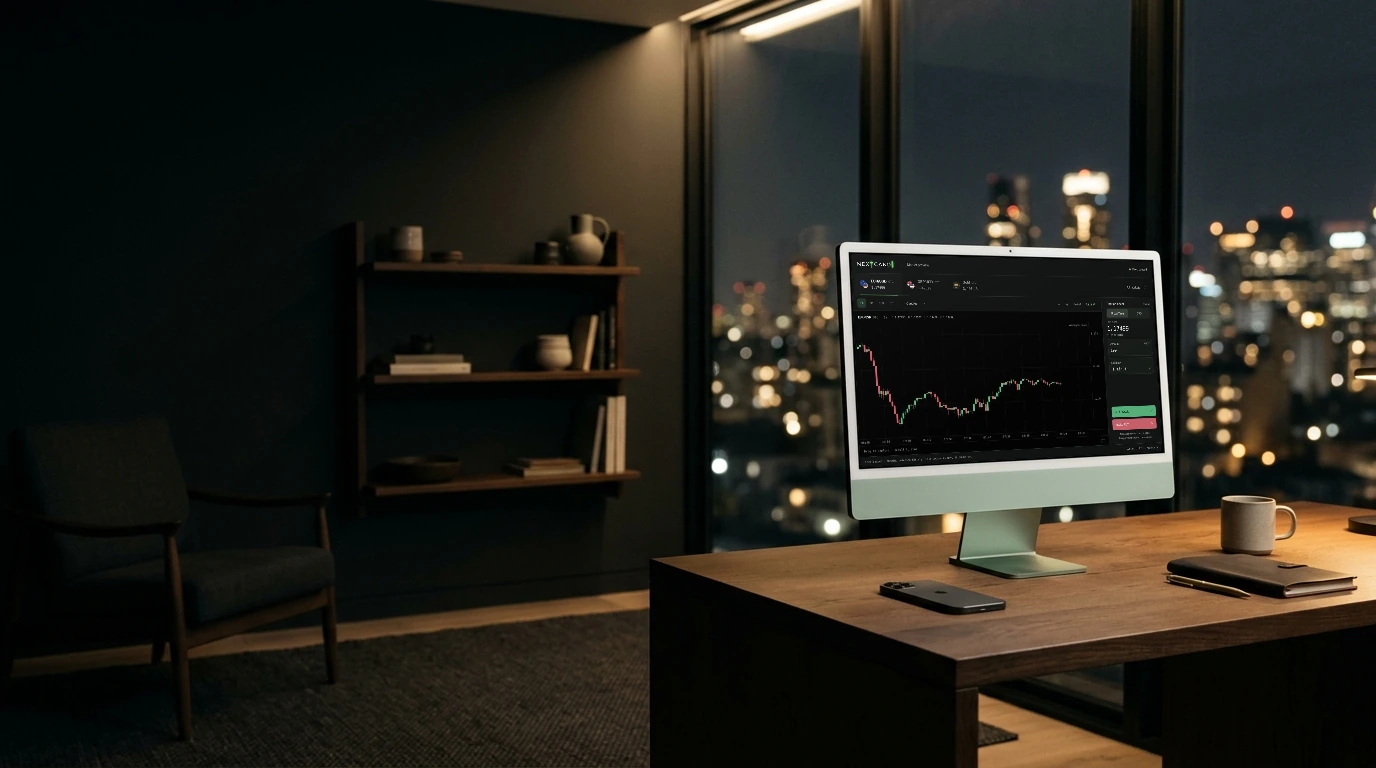
Workspace
Keep your studies and drawings connected to your account.
Explore feature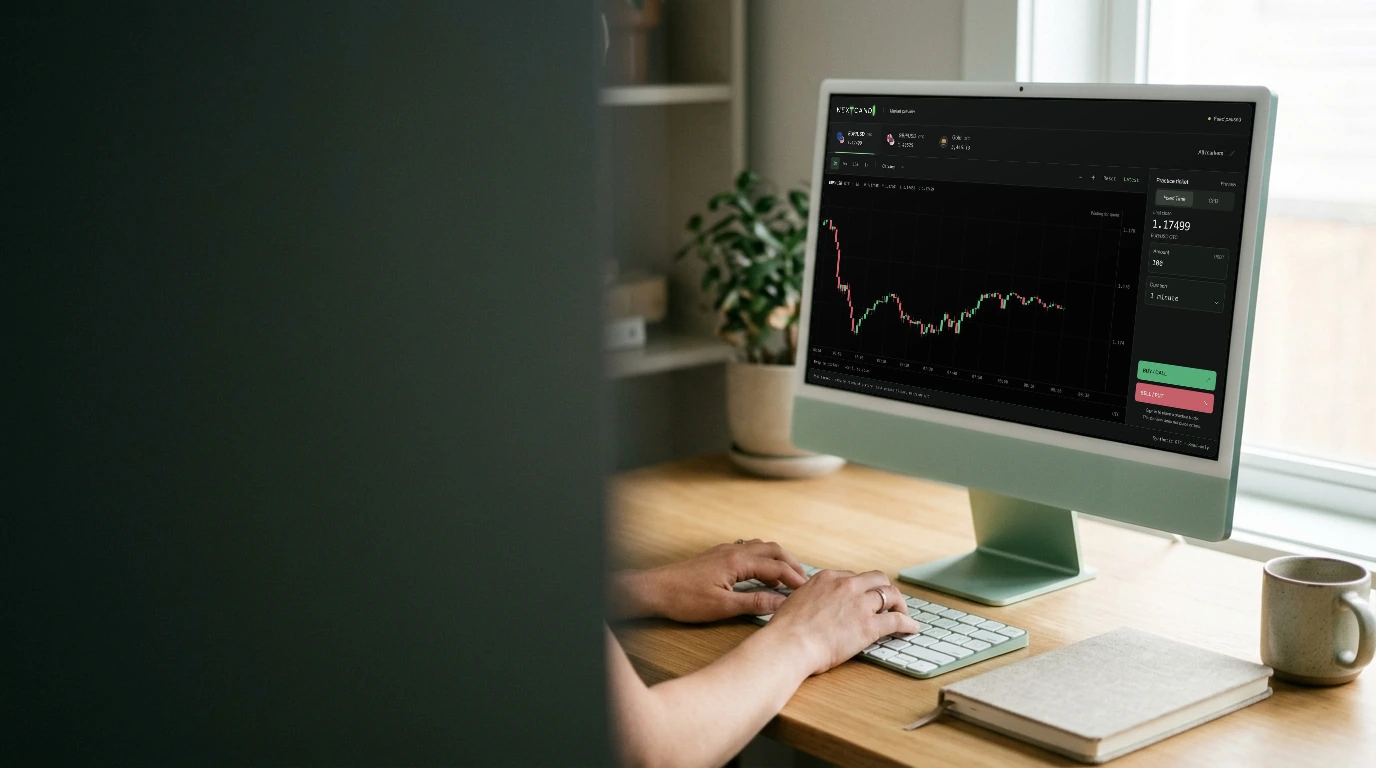
Plan the trade. Trade the plan.
NEXT CANDL
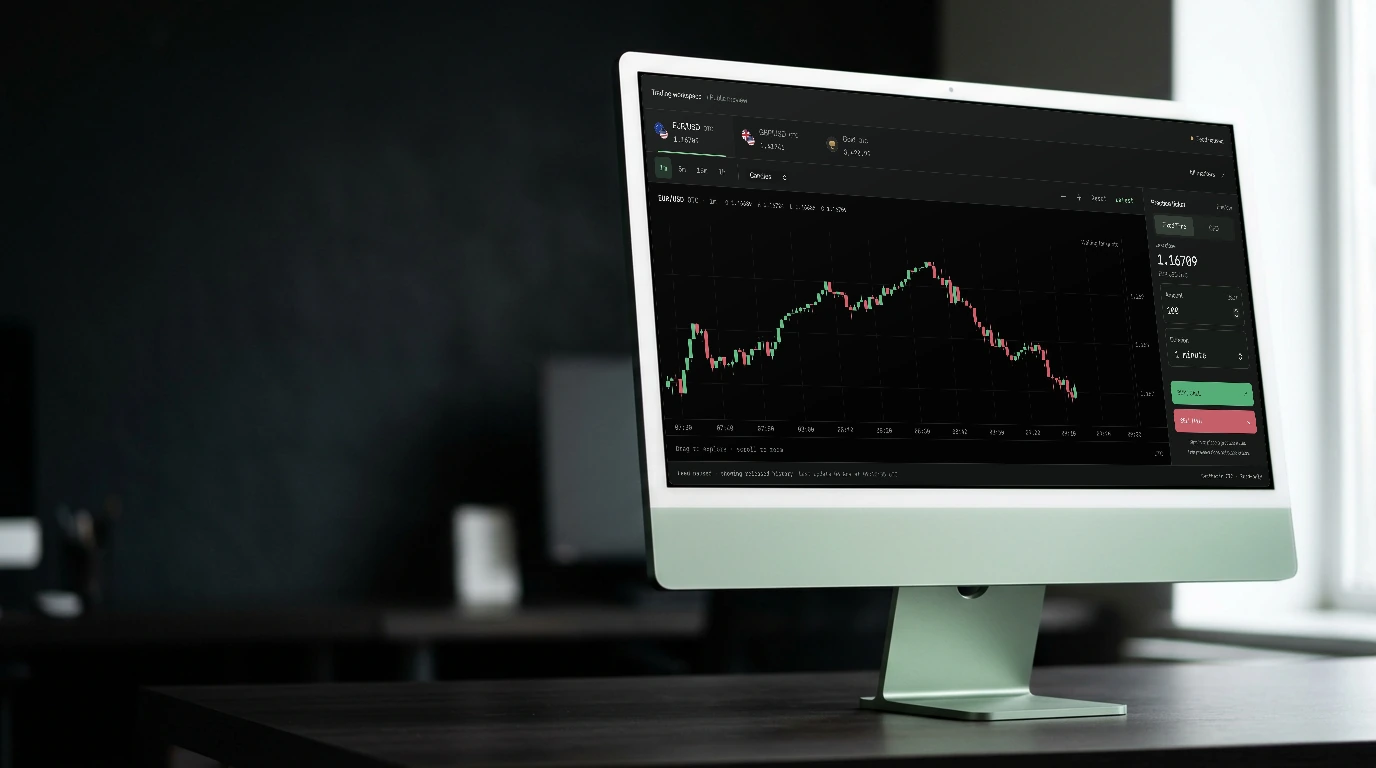
Your workspace
Save a chart setup, adjust the panels, and come back to a familiar view.
Open the workspaceSave a named layout in Studio and restore it when you return. Layout presets and viewport preferences are kept on your device.
Export a workspace as JSON to keep a copy of its configuration. Import a compatible workspace when you want to restore that setup.
Adjust visible panels and chart space to suit your screen. These preferences change the workspace presentation without changing your trade records.