


Practice accountGet familiar with the controls.
Learn more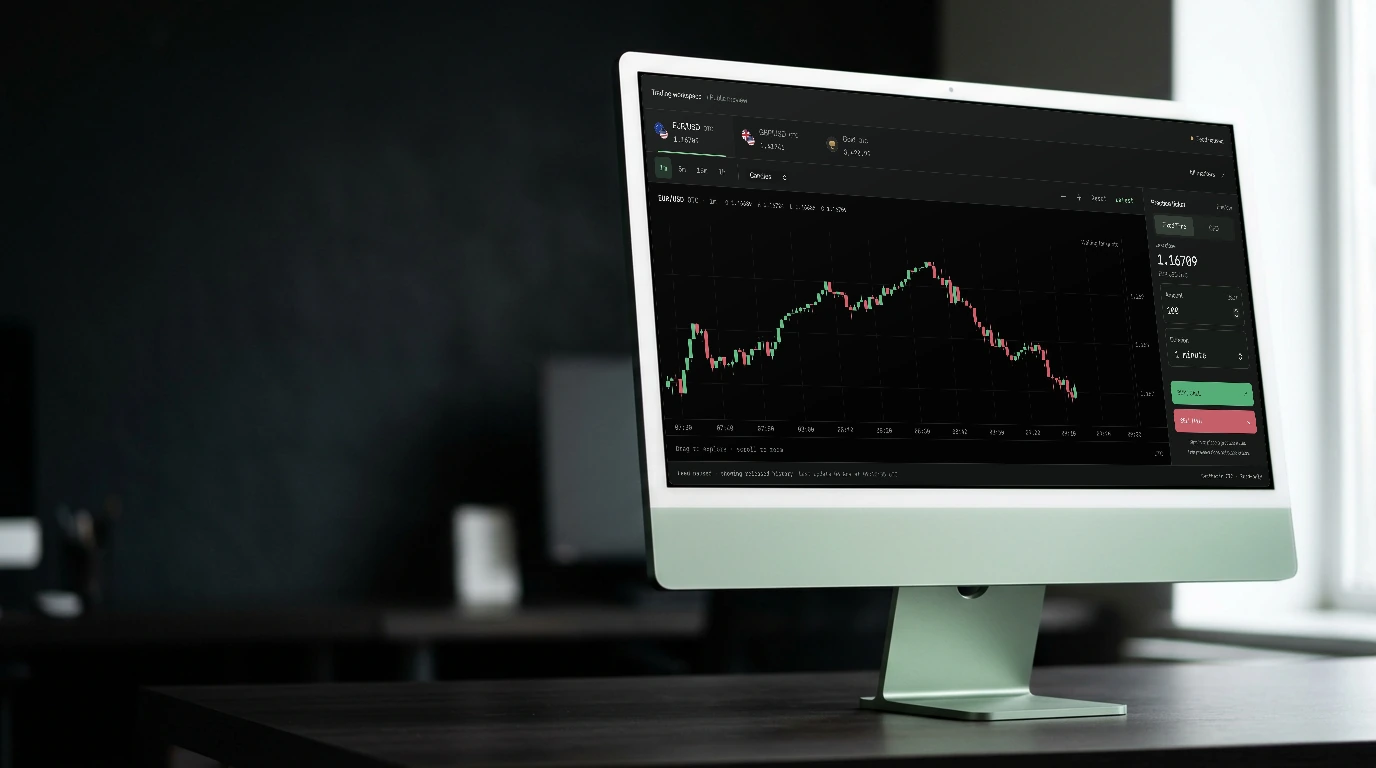

Fixed Time
Set both in the ticket and review the available payout before choosing BUY / CALL or SELL / PUT.
“Time is the only thing you can’t trade back.”
A WINDOW INTO YOUR TERMINAL
Connecting to marketsLoading current prices and candle history.
Review the available terms before choosing BUY / CALL or SELL / PUT.
Instrument directory. Available products and terms are shown in your account.
KEEP EXPLORING

Platform
Follow the released market feed with a chart you can actually explore.
Explore feature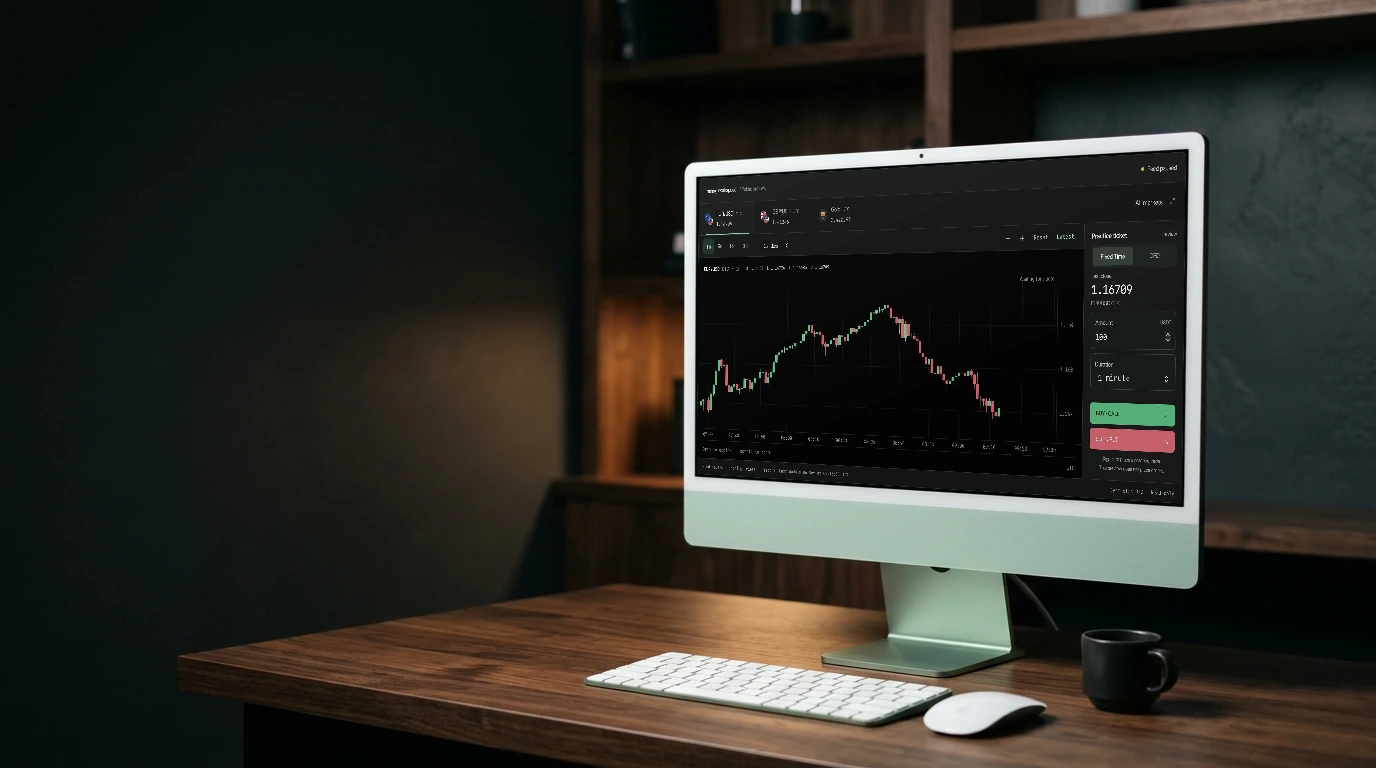
Platform
Explore the CFD workspace with visible position and protection controls.
Explore feature

Patience is a position.
NEXT CANDL

Fixed Time
Review the available terms before choosing BUY / CALL or SELL / PUT.
Open the workspaceSet the amount and expiry in the Fixed Time ticket. Review the terms shown for your selected market before confirming a trade.
The ticket displays the available payout and contract details for the selected setup. Availability depends on the market and your account.
Practice mode supports market entry and pending-price entries. Choose BUY / CALL or SELL / PUT according to the direction you intend to take.