Screen privacy
Your screen. Your business.
One switch masks balances and amounts on screen. Your records stay intact underneath.
“What’s on your screen is nobody’s business.”
Try Screen Privacy Mode
Your values.
Your choice.
Try hiding the illustrative balance. Reveal it again with the same control.
 Screen privacy
Illustrative practice balance
100,000.00VIRTUAL USDT · ILLUSTRATIVE BALANCE
Example values are visible. Try hiding them.
This example changes only the values shown here. It does not change your account’s privacy setting. Virtual funds have no monetary value.
Amateurs predict. Professionals prepare.
NEXT CANDL
Made for your process
Choose what
you show.
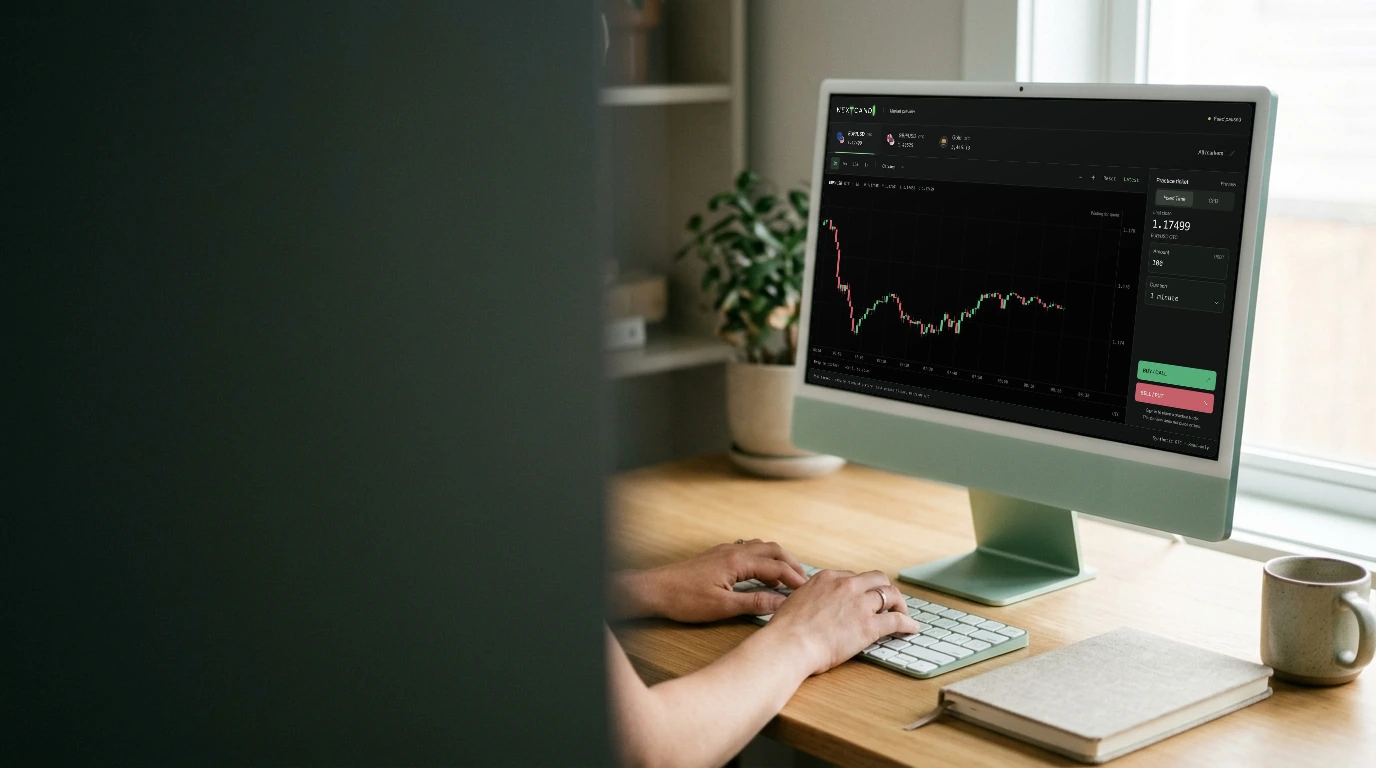
Hide sensitive on-screen values with Screen Privacy Mode.
Open the account workspace01Mask displayed balances and sensitive values.
Use Screen Privacy Mode to mask sensitive displayed values when other people can see your screen. The example below lets you try the display behavior.
02Turn visibility back on when you need it.
Use the same visibility control to reveal the values again. You stay in the same workspace and account mode.
03A display preference that leaves your records intact.
Privacy mode changes what is displayed on screen. It does not change balances, execution rules, trade history or stored account records.